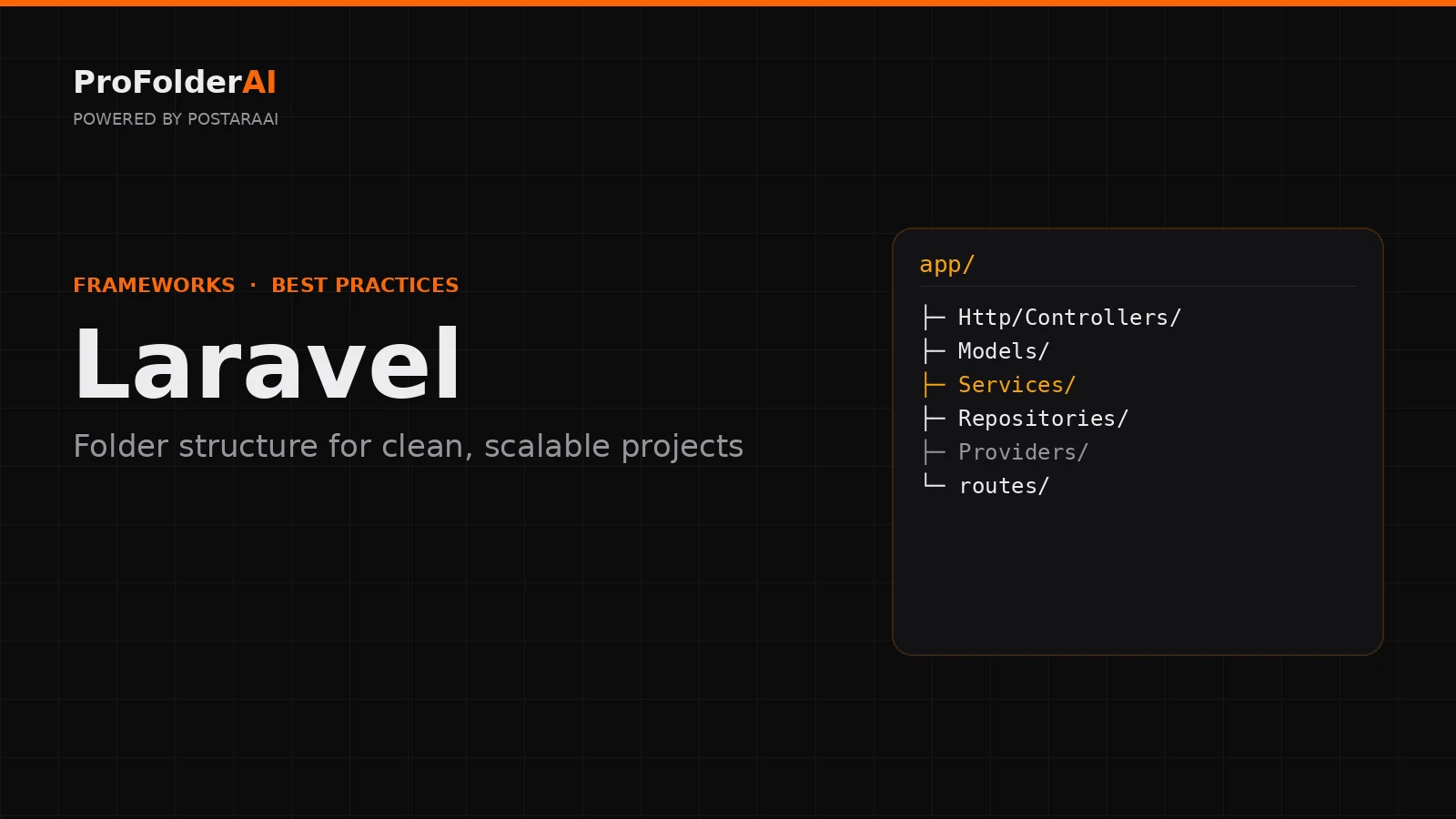
A clean Laravel folder structure is what keeps a Laravel application maintainable as it scales. Laravel ships with sensible defaults, but real projects quickly outgrow them, and a weak Laravel folder structure leads to fat controllers and logic scattered across the codebase.
The fix is not to fight Laravel’s conventions but to extend them with clear layers — services, repositories, and form requests — that keep responsibilities separated.
This guide covers Laravel folder structure best practices for clean, scalable projects: where controllers, models, services, and routes belong, and how to keep a growing Laravel folder structure organised.
What Is the Best Laravel Folder Structure?
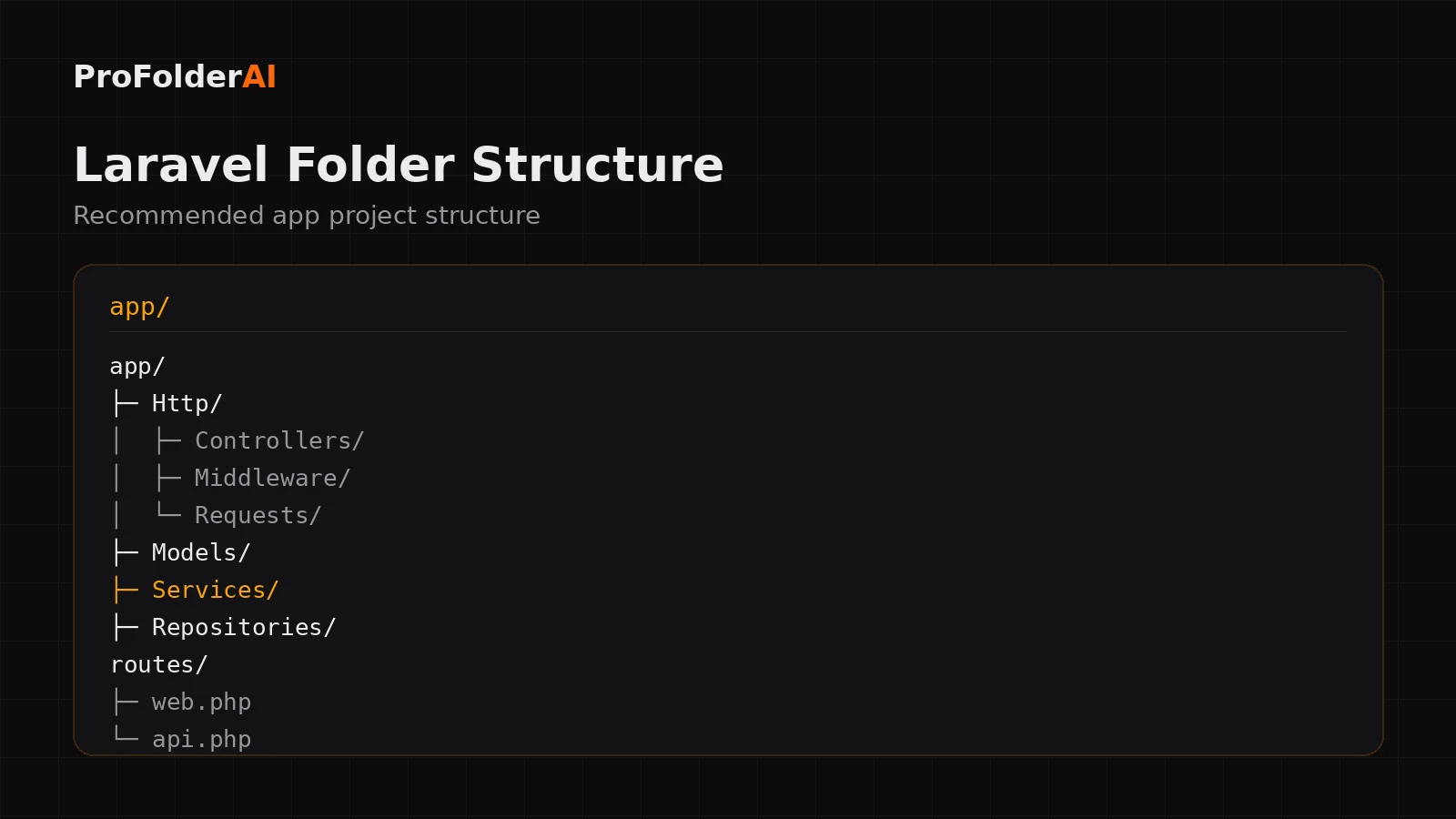
The best Laravel folder structure keeps the framework defaults and adds clear layers: controllers handle requests, services hold business logic, repositories handle data access, and models stay focused on the database. This keeps controllers thin and code testable.
A scalable Laravel folder structure typically organises the app/ directory like this:
app/
├─ Http/
│  ├─ Controllers/
│  ├─ Middleware/
│  └─ Requests/
├─ Models/
├─ Services/
├─ Repositories/
└─ Providers/
routes/
├─ web.php
└─ api.php
Keeping these layers distinct is what prevents a Folder structure from collapsing into fat controllers and unmaintainable models.
Why Should Controllers Stay Thin?
In a clean Folder structure, controllers only receive a request, call a service, and return a response. Putting business logic in a service layer keeps controllers readable, reusable, and easy to test.
- Validate input with a Form Request
- Call a service method that holds the logic
- Return a response or view
When logic lives in controllers, it cannot be reused and is painful to test. Moving it into Services/ is the single biggest upgrade to most Folder structures.
What Goes in the Services Layer?
The Services layer holds business logic — the rules and workflows of your application — separated from HTTP handling and database access. Each service focuses on one domain, which keeps the Folder structure clean.
Services are where the real work happens: processing an order, sending notifications, applying business rules. Because they are plain PHP classes, they are simple to unit test and reuse across web and API routes alike.
Do You Need a Repository Layer?
A repository layer abstracts database access behind a simple interface. It is optional for small apps but valuable in a large Folder structure that needs testability and the freedom to change data sources.
For smaller projects, querying models directly is fine. For larger systems, repositories keep data-access logic in one place. Use the pattern when complexity justifies it, not by default.
How Should You Organise Routes?
Split routes by purpose: web.php for browser routes and api.php for API endpoints. For large applications, group related routes into separate files so each part of the Folder structure stays focused.
A single 500-line route file is hard to scan. This is the same separation a well-built Node.js API uses to keep endpoints organised.
Where Should Validation Live?
Validation belongs in Form Request classes inside app/Http/Requests, not inside controllers. Form Requests keep validation reusable and are a key part of a clean Folder structure.
A dedicated StoreOrderRequest keeps its rules with the request it validates, so controllers never fill up with validation arrays.
Common Folder structure Mistakes
Most issues come from ignoring the layers a good Folder structure defines:
- Fat controllers stuffed with business logic
- Validation written inline instead of in Form Requests
- Models containing workflows instead of just relationships
- No service layer, so logic is duplicated
- One enormous routes file with no grouping
Expert Perspective
Make it work, make it right, make it fast.
— Kent Beck, Software Engineer and Author
Getting the Folder structure right early is what lets a project stay fast to work in as it grows.
Conclusion
A clean Folder structure keeps controllers thin, moves business logic into services, and separates data access, validation, and routing. Extending Laravel’s defaults this way keeps large applications maintainable.
Set these boundaries from the start and your Folder structure will stay organised long after the first release.
Call to Action
Generate a production-ready structure for your next project instantly with ProFolderAI — describe what you are building and download a clean, ready-to-use folder tree.
Open the generator See plans & pricing →
ProFolderAI is part of PostaraAI — a suite of AI-powered tools for developers, creators, and small businesses.
About this article
- Written and maintained by the ProFolderAI team, part of PostaraAI.
- Published June 24, 2026 · Updated June 26, 2026.
- Questions or corrections? Contact the team.

Bineesh Koyente Thodika is the founder of ProFolderAI and PostaraAI. He builds AI-powered developer tools, WordPress solutions, and software products that help developers, agencies, and indie hackers launch projects faster.
Keep reading
Mastering PHP Project Structure for Efficient Development
Learn how to create a clean PHP project structure that enhances maintainability and collaboration among developers.
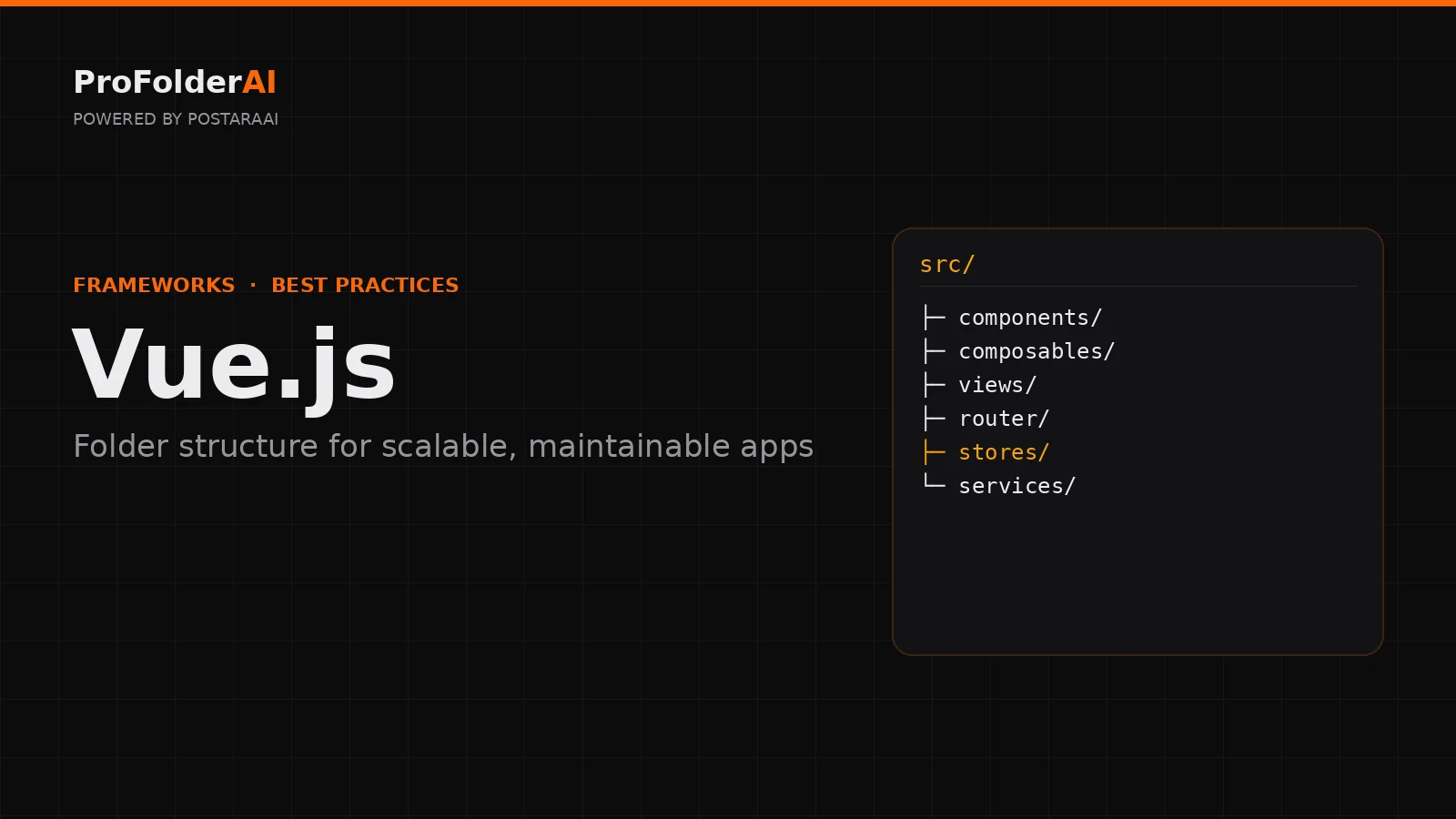
Vue Folder Structure: Best Practices for Scalable Apps
Vue folder structure best practices for scalable apps — how to organise components, views, stores, and composables for clean, maintainable Vue projects.
Go Project Structure: Best Practices for Scalable Apps
Go project structure best practices — how to organise packages, cmd, internal, and pkg folders for clean, scalable, production-ready Go applications.