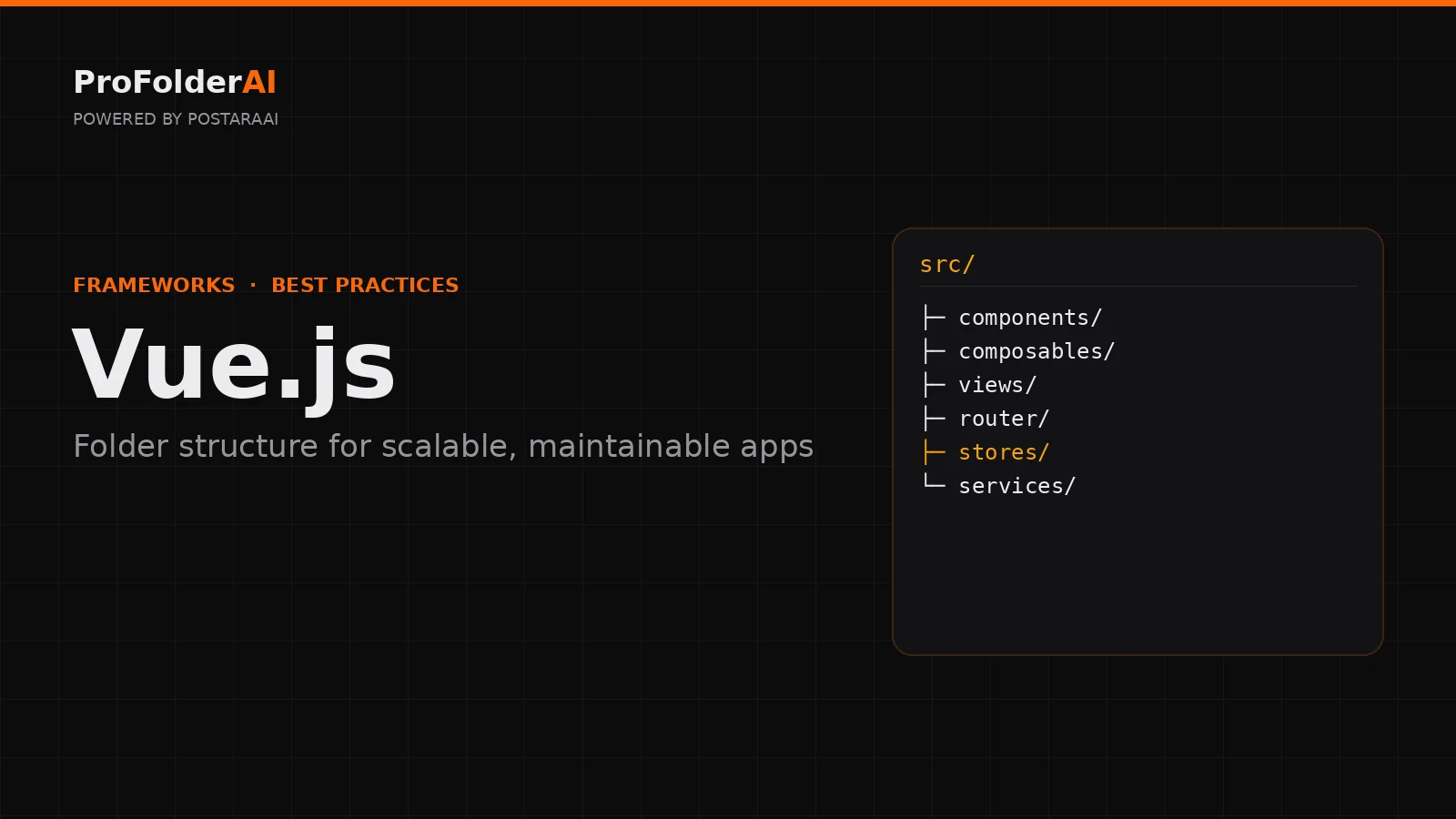
A clean Vue folder structure is what keeps a Vue.js application maintainable as it grows. Vue makes it easy to start fast, but without a deliberate Vue folder structure, components pile up, logic gets duplicated, and finding the right file becomes a daily frustration.
The structure you choose early shapes how easily features are added and how quickly new developers understand the codebase. Getting the Vue folder structure right from day one is one of the highest-leverage decisions in a project.
This guide covers Vue folder structure best practices for scalable apps — how to organise components, views, composables, stores, and services so your project grows cleanly instead of turning into a tangle.
What Is the Best Vue Folder Structure?
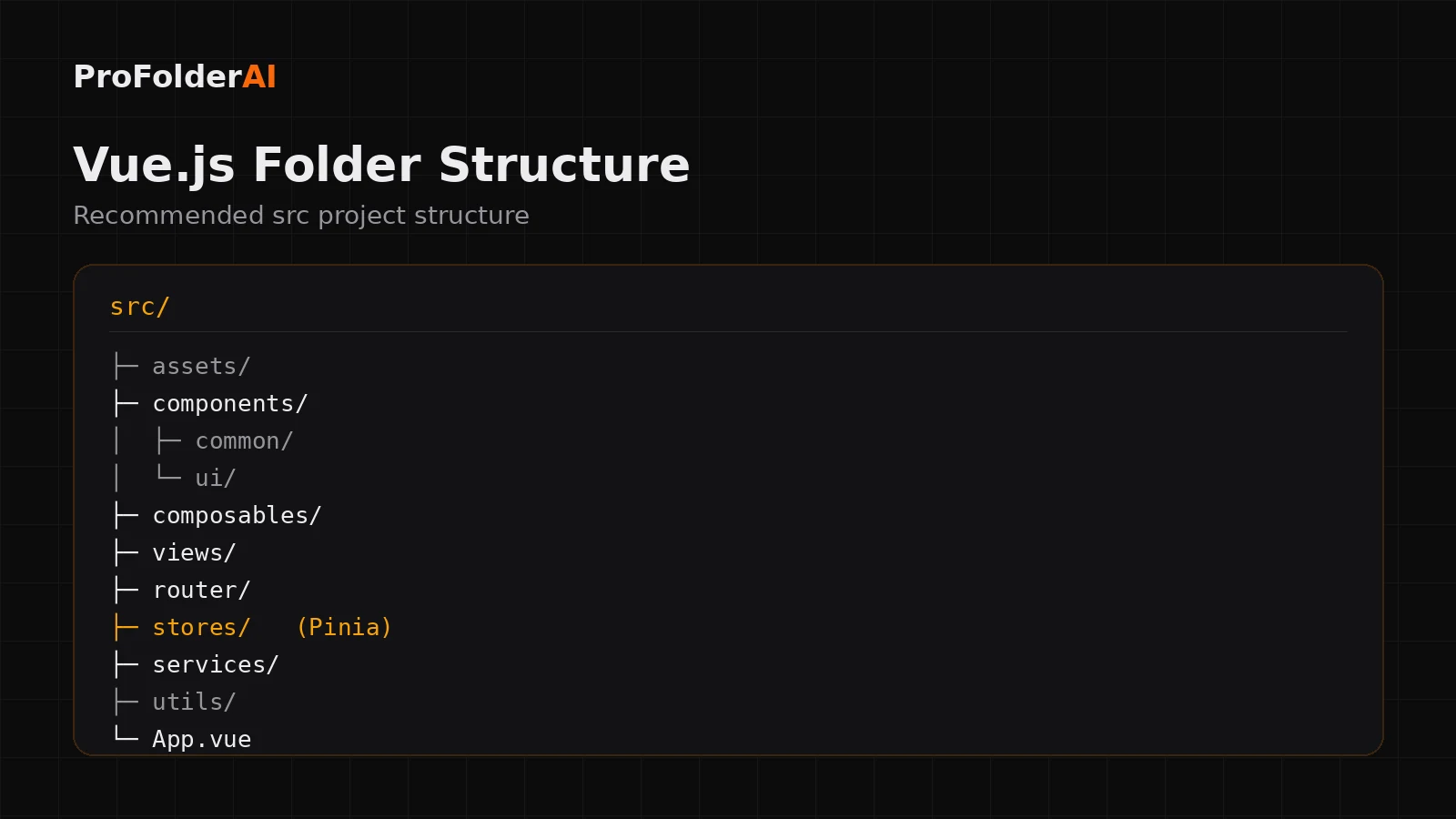
The best Vue folder structure organises code by responsibility — components, views, composables, router, stores, and services — inside a single src/ directory. This separation keeps UI, state, and business logic independent and easy to scale.
A clean Vue folder structure starts from a predictable src/ layout:
src/
├─ assets/
├─ components/
│  ├─ common/
│  └─ ui/
├─ composables/
├─ views/
├─ router/
├─ stores/
├─ services/
├─ utils/
└─ App.vue
Each folder has one job, so you always know where a file belongs. This is the foundation every other Vue folder structure decision builds on.
How Should You Organise Vue Components?
Organise Vue components by purpose inside your Folder structure: keep small reusable building blocks in components/ui, shared app-wide pieces in components/common, and feature-specific components grouped by feature. Avoid one flat components folder.
A single components/ folder with fifty files becomes impossible to navigate. Splitting by intent keeps related pieces together:
- ui/ — buttons, inputs, modals and other presentational primitives
- common/ — headers, footers and layout pieces used across pages
- feature folders — components that belong to one feature only
This mirrors how a React project separates shared and feature components, and the same discipline keeps a Folder structure readable.
What Are Composables and Where Do They Go?
Composables are reusable functions built on Vue’s Composition API. In a clean Folder structure they live in a composables/ folder, each prefixed with “use” — for example useAuth.js or useFetch.js.
Composables replace the old mixin pattern with something far more predictable. A typical set includes useAuth, useFetch, useForm and usePagination. Keeping them in one folder makes shared logic discoverable and testable.
Where Should State Management Live in Vue?
Global state belongs in a stores/ folder using Pinia, Vue’s official state library. Splitting stores by domain keeps your Folder structure predictable and stops a single bloated store that every component depends on.
stores/
├─ auth.js
├─ user.js
├─ cart.js
└─ settings.js
Domain-based stores keep state easy to reason about and reinforce the separation your Folder structure is built around.
How Do You Structure Routing and Views?
Page-level components belong in a views/ folder, while route definitions live in router/. Keeping views separate from reusable components is a core Folder structure rule that keeps navigation clear.
Views represent whole screens — HomeView.vue, DashboardView.vue — and map directly to routes. Reusable components never live here; they stay in components/.
Should You Use a Feature-Based Folder structure?
For large apps, a feature-based Folder structure — grouping components, stores, and services by feature — scales better than organising purely by file type, because everything related to a feature stays in one place.
Small apps are fine organised by type. Once an app passes a few dozen components, grouping by feature reduces cross-folder jumping. The same principle underpins clean software architecture at any scale.
Common Folder structure Mistakes
Most problems come from skipping the boundaries a good Folder structure defines:
- One giant flat
components/folder - Business logic inside components instead of composables or services
- A single global store every component touches
- Mixing page views with reusable components
- No
services/layer, so API calls are scattered everywhere
Expert Perspective
Programs must be written for people to read, and only incidentally for machines to execute.
— Harold Abelson, Structure and Interpretation of Computer Programs
A clear Folder structure is the first thing that makes a codebase readable for the people who maintain it.
Conclusion
A strong Folder structure separates components, composables, views, stores, and services so your app stays maintainable as it grows. Decide these boundaries early and every new feature has an obvious home.
Whether you ship a small dashboard or a large platform, a clean Folder structure is what keeps velocity high months into the build.
Call to Action
Generate a production-ready structure for your next project instantly with ProFolderAI — describe what you are building and download a clean, ready-to-use folder tree.
Open the generator See plans & pricing →
ProFolderAI is part of PostaraAI — a suite of AI-powered tools for developers, creators, and small businesses.
About this article
- Written and maintained by the ProFolderAI team, part of PostaraAI.
- Published June 24, 2026 · Updated June 26, 2026.
- Questions or corrections? Contact the team.

Bineesh Koyente Thodika is the founder of ProFolderAI and PostaraAI. He builds AI-powered developer tools, WordPress solutions, and software products that help developers, agencies, and indie hackers launch projects faster.
Keep reading
Mastering PHP Project Structure for Efficient Development
Learn how to create a clean PHP project structure that enhances maintainability and collaboration among developers.
Laravel Folder Structure: Best Practices for Clean Projects
Laravel folder structure best practices — how to organise controllers, models, services, and routes for clean, scalable, maintainable Laravel applications.
Go Project Structure: Best Practices for Scalable Apps
Go project structure best practices — how to organise packages, cmd, internal, and pkg folders for clean, scalable, production-ready Go applications.