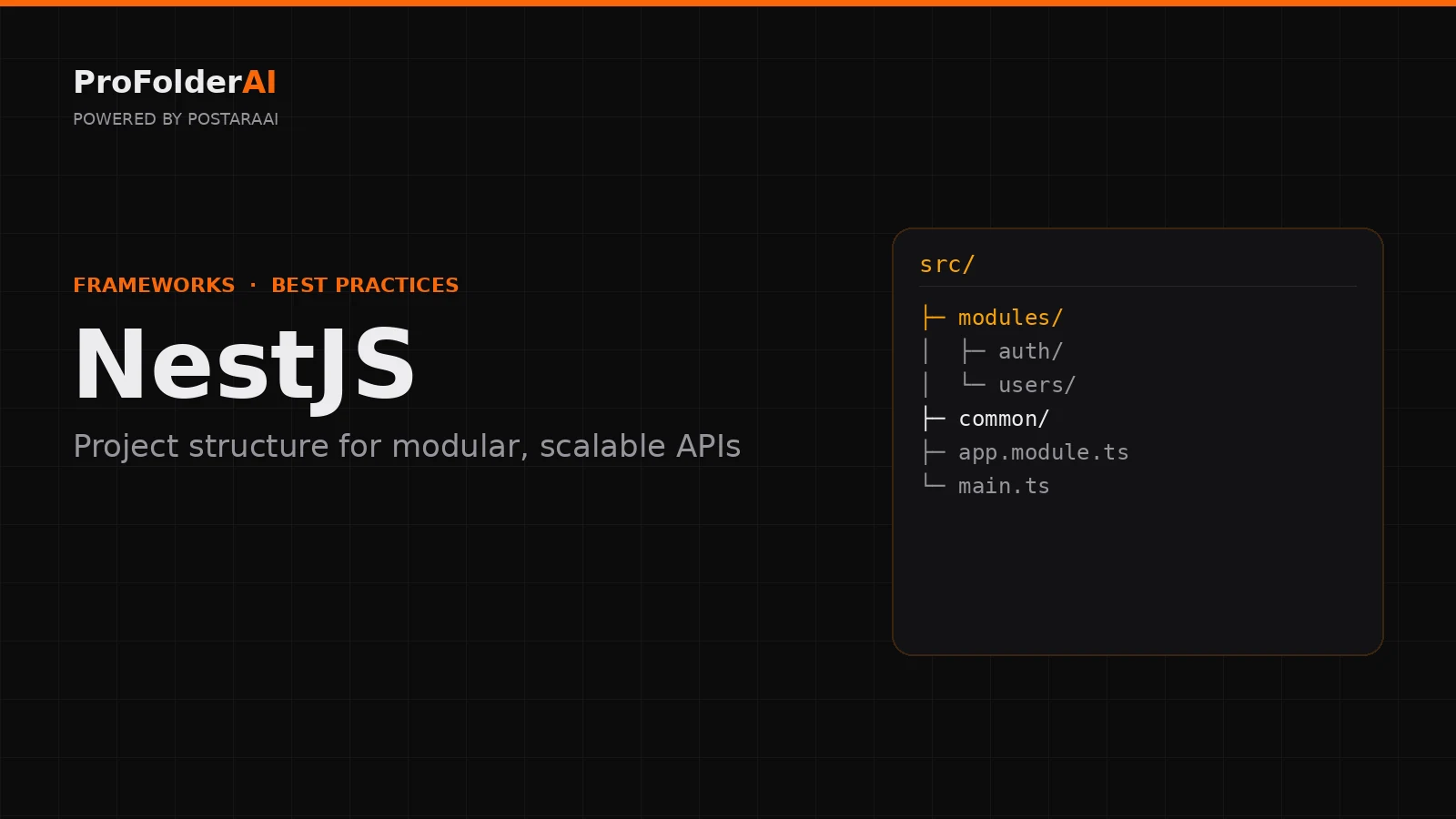
A well-organised NestJS project structure is what makes the framework scale. NestJS is opinionated by design, and following a clear NestJS project structure built around modules keeps even large APIs easy to navigate and maintain.
Because NestJS encourages modular design out of the box, the right NestJS project structure flows naturally from its building blocks: modules, controllers, providers, and services.
This guide covers NestJS project structure best practices — how to organise modules, common code, and configuration so your API stays clean as it grows.
What Is the Best NestJS Project Structure?
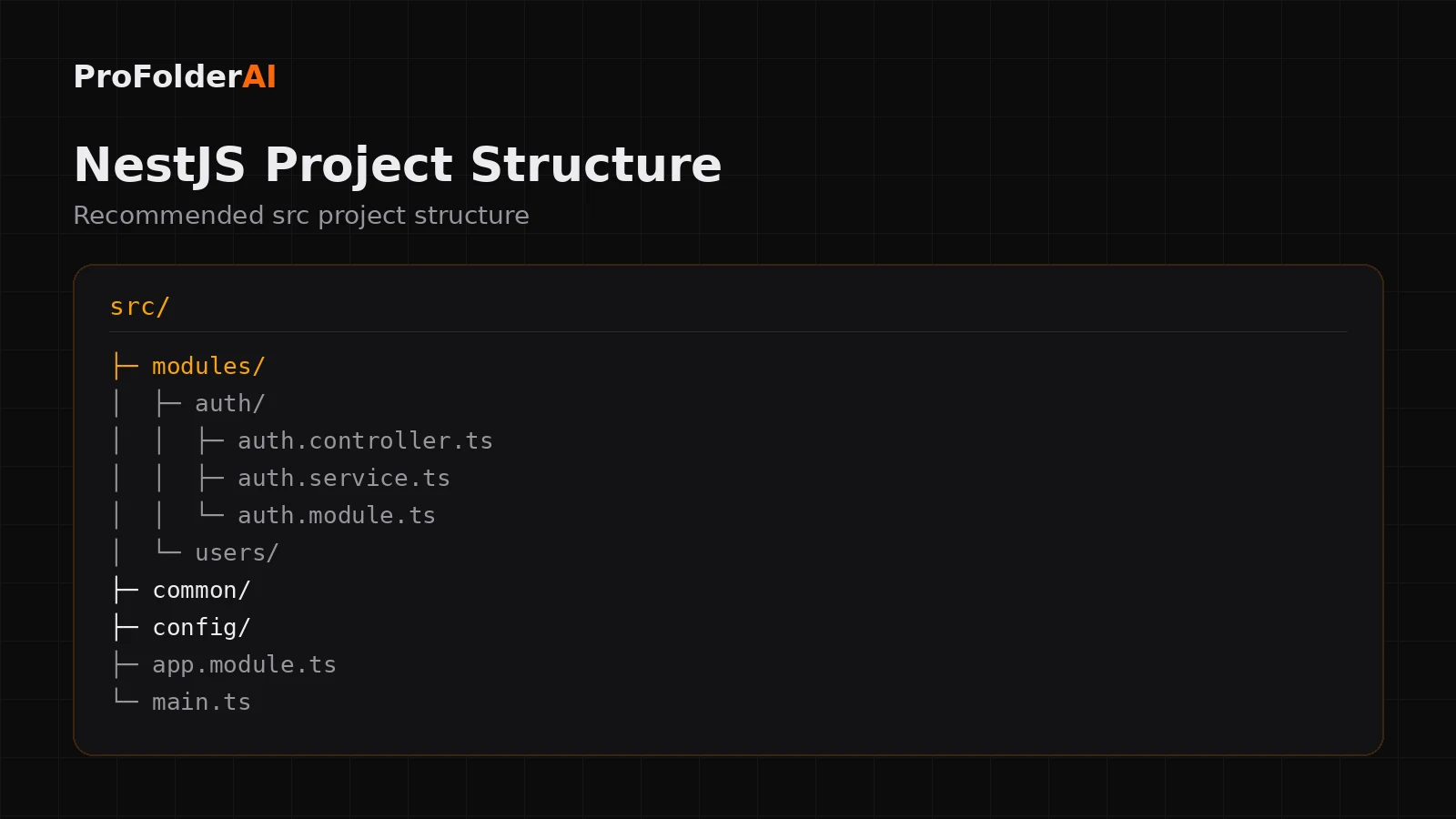
The best NestJS project structure groups code by feature module, with each module owning its controller, service, and module file. Shared code lives in common/ and environment setup in config/, keeping the structure modular and predictable.
A scalable Project structure typically looks like this:
src/
├─ modules/
│  ├─ auth/
│  │  ├─ auth.controller.ts
│  │  ├─ auth.service.ts
│  │  └─ auth.module.ts
│  └─ users/
├─ common/
├─ config/
├─ app.module.ts
└─ main.ts
This module-first Project structure keeps every feature self-contained and easy to reason about.
How Should You Organise NestJS Modules?
In a clean Project structure, each feature is its own module folder containing its controller, service, and module definition. This keeps related code together and lets features be added or removed independently.
Grouping by feature — auth, users, orders — rather than by file type is the single most important Project structure decision. It mirrors the feature-based approach used in large Node.js applications.
What Goes in the common Folder?
The common/ folder in a Project structure holds shared building blocks — guards, interceptors, pipes, decorators, and filters — that are used across multiple modules.
Centralising cross-cutting concerns here keeps individual modules focused and prevents duplication across your Project structure.
Where Should Configuration Live?
Environment configuration belongs in a config/ folder, loaded through Nest’s ConfigModule. Keeping configuration separate is a core part of a maintainable Project structure.
A dedicated config layer means environment variables and settings are validated and accessed consistently, instead of being scattered through the codebase.
How Do Controllers and Services Fit Together?
In a Project structure, controllers handle incoming requests and delegate to services, which hold the business logic. This separation keeps controllers thin and services testable.
Controllers should stay focused on routing and validation, while services do the work — the same thin-controller principle that defines clean software architecture everywhere.
Common Project structure Mistakes
- Organising by file type instead of feature modules
- Business logic written in controllers instead of services
- A bloated AppModule that imports everything directly
- Shared utilities duplicated across modules instead of living in common/
- Configuration read directly from process.env throughout the code
Expert Perspective
Controlling complexity is the essence of computer programming.
— Brian Kernighan, Computer Scientist
A modular Project structure is how you keep that complexity under control as an API grows.
Conclusion
A clean Project structure organises code into feature modules, keeps shared logic in common/, and isolates configuration. Following Nest’s modular conventions keeps even large APIs maintainable.
Set up your Project structure around modules from the start and the framework’s design will carry you the rest of the way.
Call to Action
Generate a production-ready structure for your next project instantly with ProFolderAI — describe what you are building and download a clean, ready-to-use folder tree.
Open the generator See plans & pricing →
ProFolderAI is part of PostaraAI — a suite of AI-powered tools for developers, creators, and small businesses.
About this article
- Written and maintained by the ProFolderAI team, part of PostaraAI.
- Published June 24, 2026 · Updated June 26, 2026.
- Questions or corrections? Contact the team.

Bineesh Koyente Thodika is the founder of ProFolderAI and PostaraAI. He builds AI-powered developer tools, WordPress solutions, and software products that help developers, agencies, and indie hackers launch projects faster.
Keep reading
Mastering PHP Project Structure for Efficient Development
Learn how to create a clean PHP project structure that enhances maintainability and collaboration among developers.
Vue Folder Structure: Best Practices for Scalable Apps
Vue folder structure best practices for scalable apps — how to organise components, views, stores, and composables for clean, maintainable Vue projects.
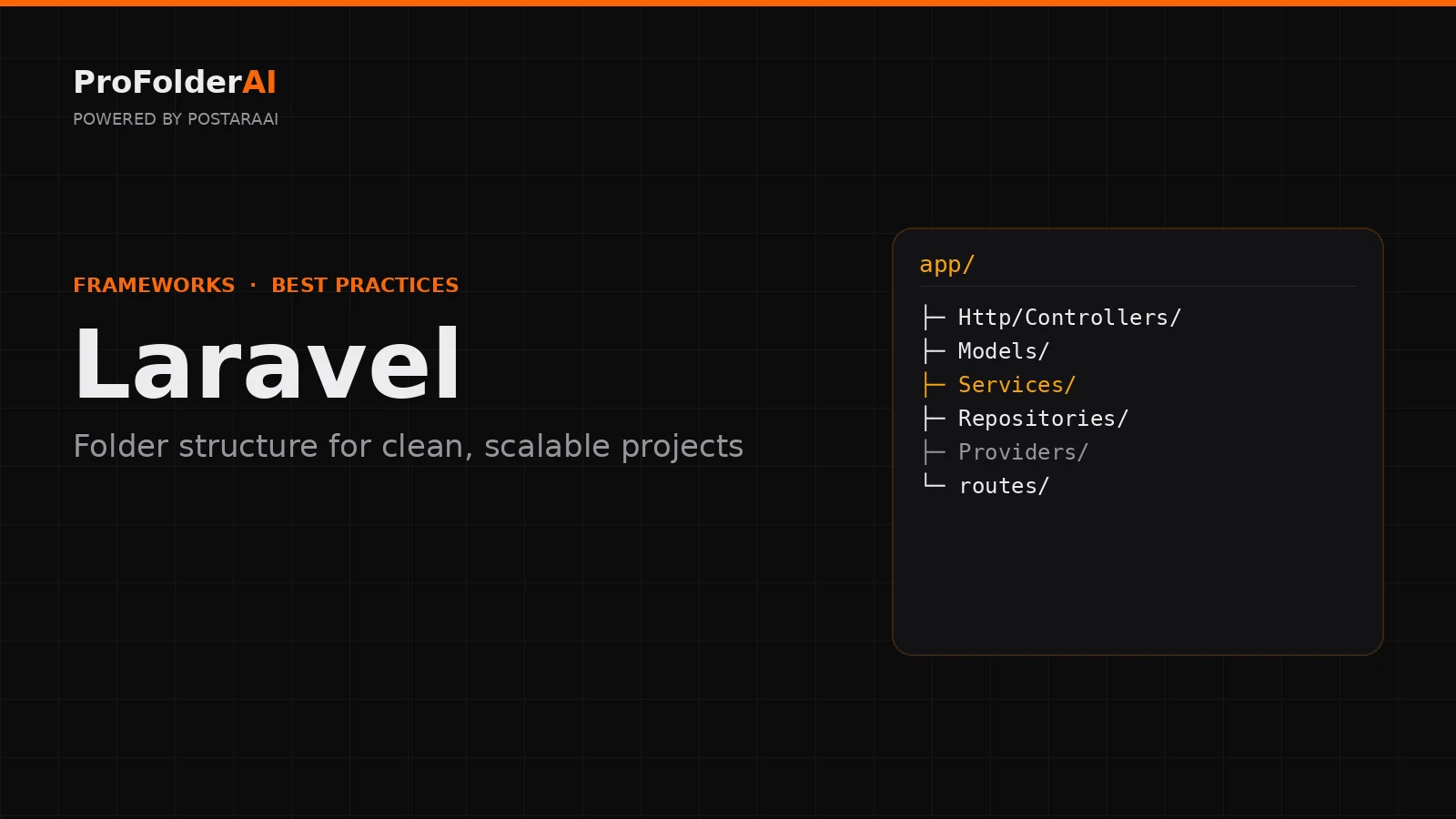
Laravel Folder Structure: Best Practices for Clean Projects
Laravel folder structure best practices — how to organise controllers, models, services, and routes for clean, scalable, maintainable Laravel applications.