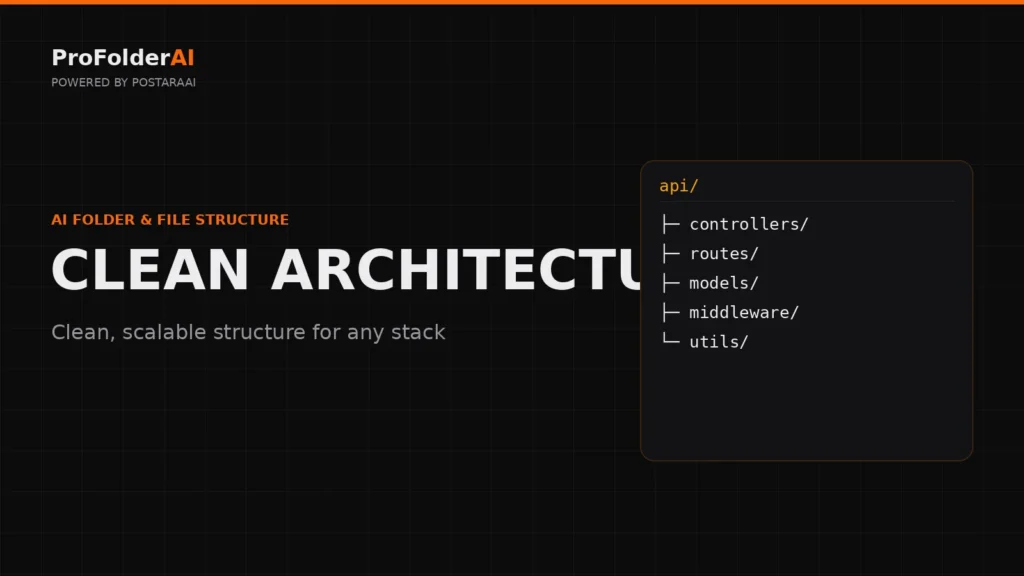
A well-defined software project folder structure is crucial for maintaining clarity and organization in your development projects. It sets the stage for effective collaboration and scalability. Whether you’re a solo developer or part of a larger team, understanding how to structure your folders can lead to a more efficient workflow.
In this article, we will explore the best practices for creating a software project folder structure that meets the needs of developers, indie hackers, and teams. By the end, you will have a clear roadmap to implement a structure that enhances your project’s organization and productivity.
Let’s dive into the essential components and considerations for building an effective software project folder structure.
What are the core components of a software project folder structure?
A software project folder structure typically includes folders for source code, documentation, tests, configuration files, assets, and build scripts, among others. Each component plays a vital role in project organization.
Key components include:
- src/: Contains all source code files.
- docs/: Holds project documentation.
- tests/: Contains unit and integration tests.
- config/: Configuration files for different environments.
- assets/: Images, fonts, and other static files.
- build/: Scripts for building and deploying the project.
project-root/├─ src/│ ├─ components/│ ├─ utils/│ └─ index.js├─ docs/├─ tests/├─ config/├─ assets/└─ build/
How does a software project folder structure enhance collaboration?
A clear software project folder structure enhances collaboration by providing a shared understanding of where files are located. This reduces confusion, streamlines onboarding for new team members, and improves overall communication.
When team members have a consistent folder layout, they can easily locate files and understand the project’s architecture. This shared knowledge is particularly beneficial in larger teams where multiple developers are working on the same codebase.
What are the best practices for naming folders and files?
Use descriptive, consistent naming conventions for folders and files. Avoid abbreviations and special characters. This practice promotes clarity and makes it easier to identify the purpose of each file or folder.
Consider these naming conventions:
- Use lowercase letters and hyphens (e.g.,
user-profile.js). - Avoid spaces and special characters.
- Be consistent across all files and folders.
- Group related files together (e.g.,
components/for React components).
How can I adapt folder structures for different technologies?
Different technologies often have specific conventions for folder structures. Adapt your software project folder structure by following best practices specific to the technology you are using, such as React, Node.js, or Python.
For instance, a React project folder structure might look like this:
react-project/├─ src/│ ├─ components/│ ├─ hooks/│ ├─ styles/│ └─ App.js└─ public/
Refer to guides like React Folder Structure Best Practices or Node.js Project Structure for technology-specific recommendations.
What role does documentation play in the folder structure?
Documentation is essential in a software project folder structure as it provides context and instructions for using the project. A well-documented structure helps onboard new developers and serves as a reference for existing team members.
Documentation should be placed in the docs/ folder and include:
- Project overview and goals
- Setup instructions
- Code conventions and guidelines
- API documentation
How can I use tools to automate folder structure generation?
Using tools like ProFolderAI can automate the creation of a software project folder structure, saving time and ensuring consistency. These tools often allow customization based on your specific project needs.
Automation tools help maintain a standardized folder structure across projects, reducing the risk of human error. They allow developers to focus on coding rather than organizing files.
What are common mistakes to avoid in folder structure design?
Common mistakes include overly complex structures, inconsistent naming conventions, and neglecting documentation. Avoid these pitfalls to maintain clarity and ease of navigation in your project.
Avoid these mistakes:
- Overly deep folder hierarchies that complicate navigation.
- Inconsistent naming that leads to confusion.
- Failing to update documentation as the project evolves.
- Neglecting the organization of files, leading to clutter.
Conclusion
Establishing a solid software project folder structure is essential for effective project management and collaboration. By following best practices, developers can create an organized environment that enhances productivity and clarity.
Remember to adapt your folder structure based on the technologies you use, keep documentation up to date, and consider using tools like ProFolderAI to automate the process. A well-designed folder structure is a foundation for successful software development.
Call to Action
Generate a production-ready structure for your next project instantly with ProFolderAI — describe what you are building and download a clean, ready-to-use folder tree.
Open the generator See plans & pricing →
ProFolderAI is part of PostaraAI — a suite of AI-powered tools for developers, creators, and small businesses.
About this article
- Written and maintained by the ProFolderAI team, part of PostaraAI.
- Published June 26, 2026.
- Questions or corrections? Contact the team.

Bineesh Koyente Thodika is the founder of ProFolderAI and PostaraAI. He builds AI-powered developer tools, WordPress solutions, and software products that help developers, agencies, and indie hackers launch projects faster.
Keep reading
File Structure Best Practices for Effective Project Management
Learn file structure best practices to maintain organized projects, enhancing collaboration and efficiency for developers and teams.
Folder Structure Best Practices for Developers and Teams
Discover folder structure best practices to enhance project organization. Improve collaboration and efficiency with clear guidelines.
Understanding Full Stack Project Structure for Developers
Explore the full stack project structure to streamline your development process and improve collaboration among teams.