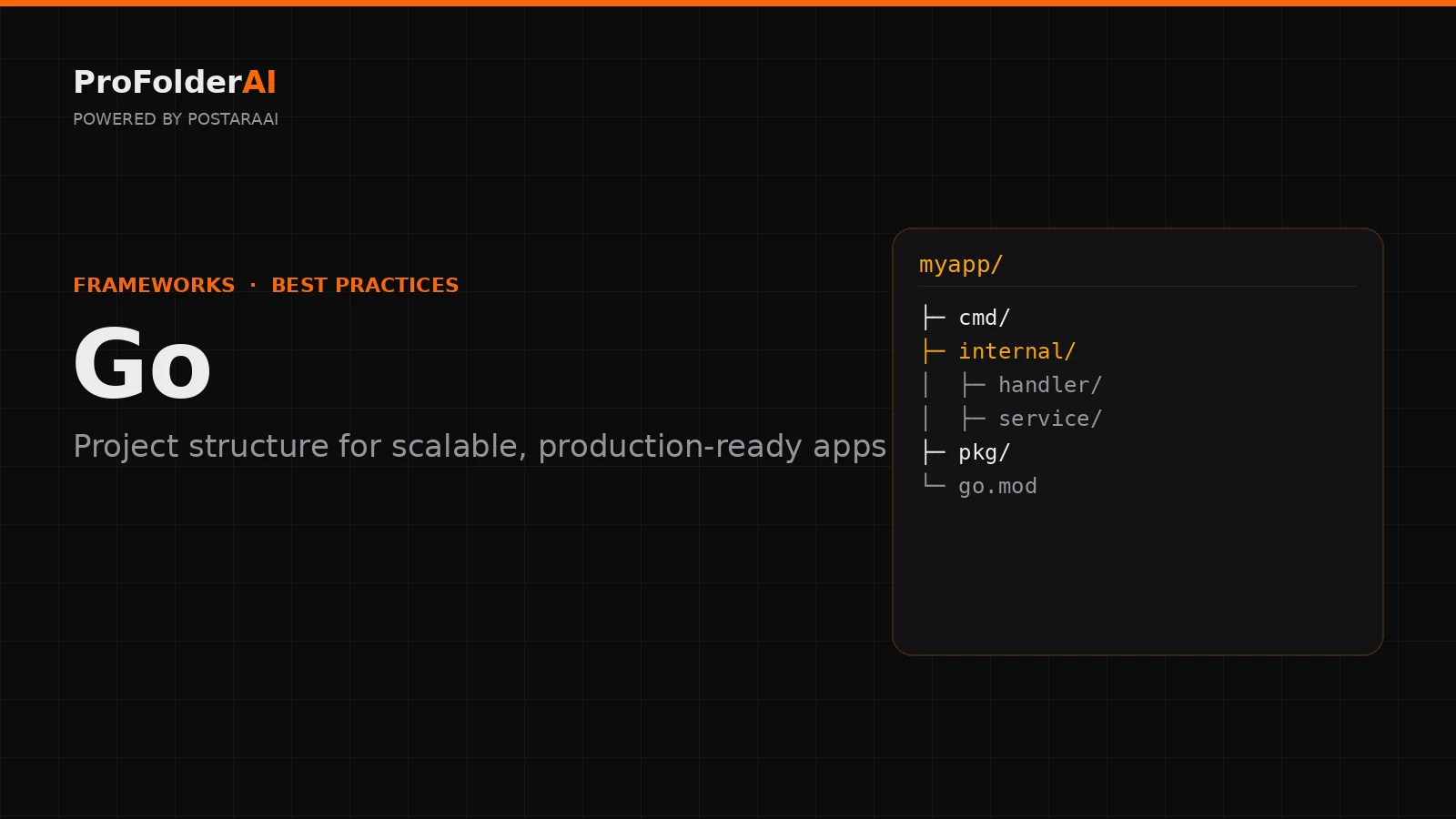
A clean Go project structure rewards the simplicity the language is known for. Yet many teams either over-engineer their layout or scatter packages with no clear boundaries, and a weak Go project structure makes a fast language feel slow to work in.
The Go community has converged on a small set of conventions — cmd, internal, and pkg — that scale a Go project structure from a single binary to a large service without ceremony.
This guide covers Go project structure best practices for scalable, production-ready apps: how to organise packages, entry points, and internal code so your Go project structure stays clean as it grows.
What Is the Best Go Project Structure?
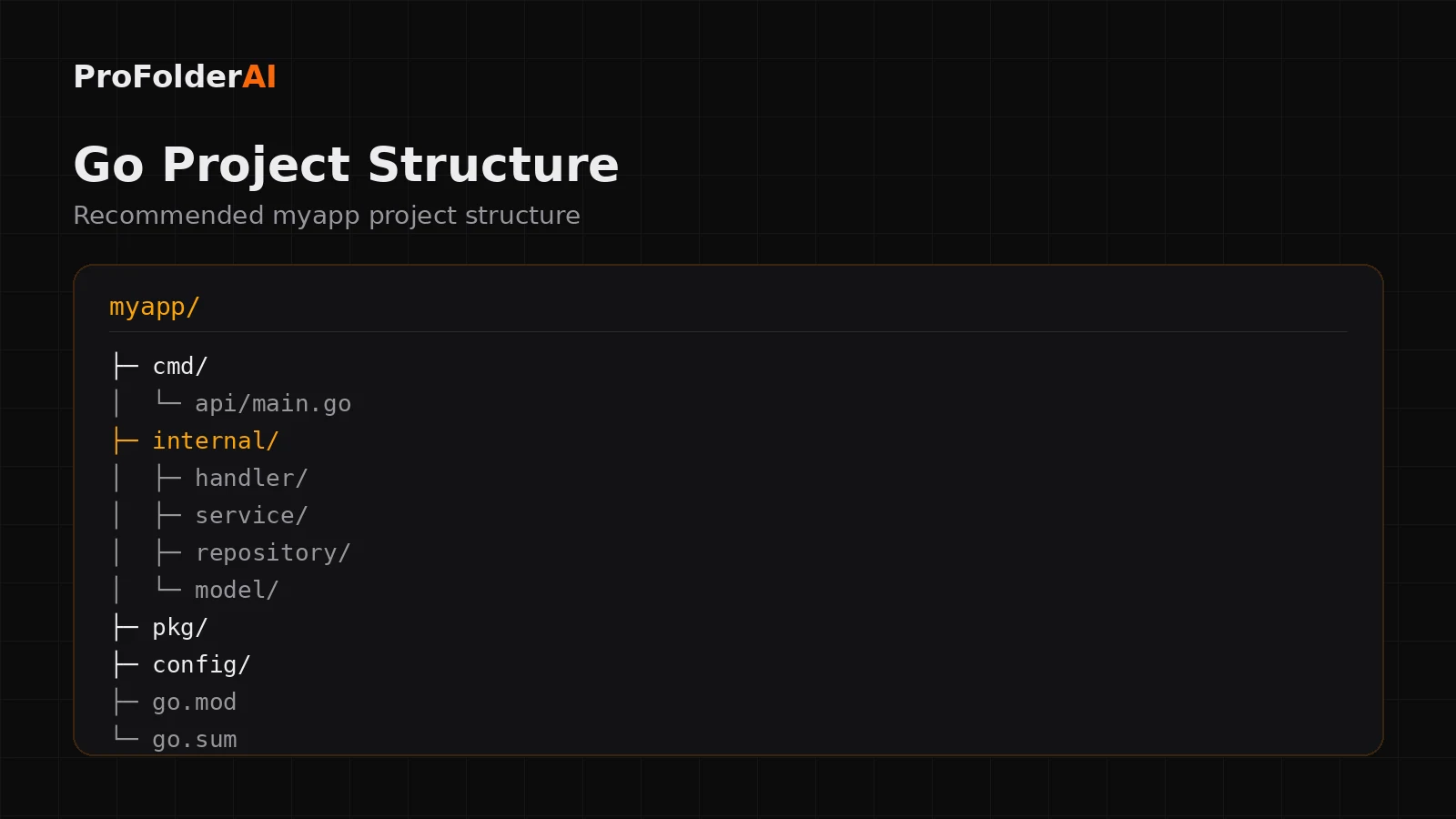
The best Go project structure uses cmd/ for entry points, internal/ for private application code, and pkg/ for reusable libraries. This keeps boundaries explicit and the build predictable.
A common production Project structure looks like this:
myapp/
├─ cmd/
│  └─ api/
│     └─ main.go
├─ internal/
│  ├─ handler/
│  ├─ service/
│  ├─ repository/
│  └─ model/
├─ pkg/
├─ config/
├─ go.mod
└─ go.sum
Each top-level folder communicates intent, so the Project structure itself documents how the application is meant to be used.
What Is the cmd Folder For?
The cmd/ folder holds the entry points of your Project structure — one subfolder per binary, each with its own main.go. An app that ships an API and a worker would have cmd/api and cmd/worker.
Keeping main.go thin is the goal: it wires dependencies together and starts the program, while the real logic lives in internal. This makes it easy to add a second binary later without restructuring.
Why Use an internal Folder?
Go enforces internal/ at the compiler level: code inside it can only be imported within the same module. That makes it the correct home for the core of your Project structure — handlers, services, repositories, and models.
Because the compiler guarantees privacy, internal is where most of your code should live. It prevents accidental coupling and keeps the public surface of your Project structure deliberately small.
What Belongs in the pkg Folder?
The pkg/ folder holds reusable, importable libraries that are safe for other projects to use. Only add code here when you intend it to be shared; otherwise a tighter Project structure keeps everything in internal/.
Many small services never need a pkg/ folder at all. Resisting premature sharing is itself a best practice.
How Should You Organise Packages?
Organise Go packages by responsibility — handler, service, repository, model — rather than by technical type. Clear, purpose-named packages are what make a Project structure idiomatic.
This layered split keeps HTTP handling, business logic, and data access independent, much like a well-structured Python project separates its concerns.
Should Small Projects Use the Full Project structure?
No. A small Go program can start as a single package with one main.go and grow into the full cmd/internal/pkg Project structure only when complexity demands it.
Over-structuring a tiny tool adds friction with no benefit. Start flat, and introduce internal and cmd the moment the project has more than one concern.
Common Project structure Mistakes
- Putting application code in
pkg/that should be private ininternal/ - A bloated
main.gothat holds business logic - Organising packages by type instead of responsibility
- Over-engineering a small tool too early
- Vague package names that describe implementation, not purpose
Expert Perspective
Clear is better than clever.
— Rob Pike, Co-creator of Go
A clear, conventional Project structure is the most idiomatic decision you can make.
Conclusion
A clean Project structure relies on cmd for entry points, internal for private code, and pkg for shared libraries — organised by responsibility, not type. Start simple and let the structure grow with the project.
Follow these conventions and your Project structure will stay clear, testable, and production-ready as it scales.
Call to Action
Generate a production-ready structure for your next project instantly with ProFolderAI — describe what you are building and download a clean, ready-to-use folder tree.
Open the generator See plans & pricing →
ProFolderAI is part of PostaraAI — a suite of AI-powered tools for developers, creators, and small businesses.
About this article
- Written and maintained by the ProFolderAI team, part of PostaraAI.
- Published June 24, 2026 · Updated June 26, 2026.
- Questions or corrections? Contact the team.

Bineesh Koyente Thodika is the founder of ProFolderAI and PostaraAI. He builds AI-powered developer tools, WordPress solutions, and software products that help developers, agencies, and indie hackers launch projects faster.
Keep reading
Mastering PHP Project Structure for Efficient Development
Learn how to create a clean PHP project structure that enhances maintainability and collaboration among developers.
Vue Folder Structure: Best Practices for Scalable Apps
Vue folder structure best practices for scalable apps — how to organise components, views, stores, and composables for clean, maintainable Vue projects.
Laravel Folder Structure: Best Practices for Clean Projects
Laravel folder structure best practices — how to organise controllers, models, services, and routes for clean, scalable, maintainable Laravel applications.